# Splirate

Allows you to download Splice samples from the browser by decrypting the preview audio.
I didn't read or write the code.
WTFPL licensed.
## Screenshots
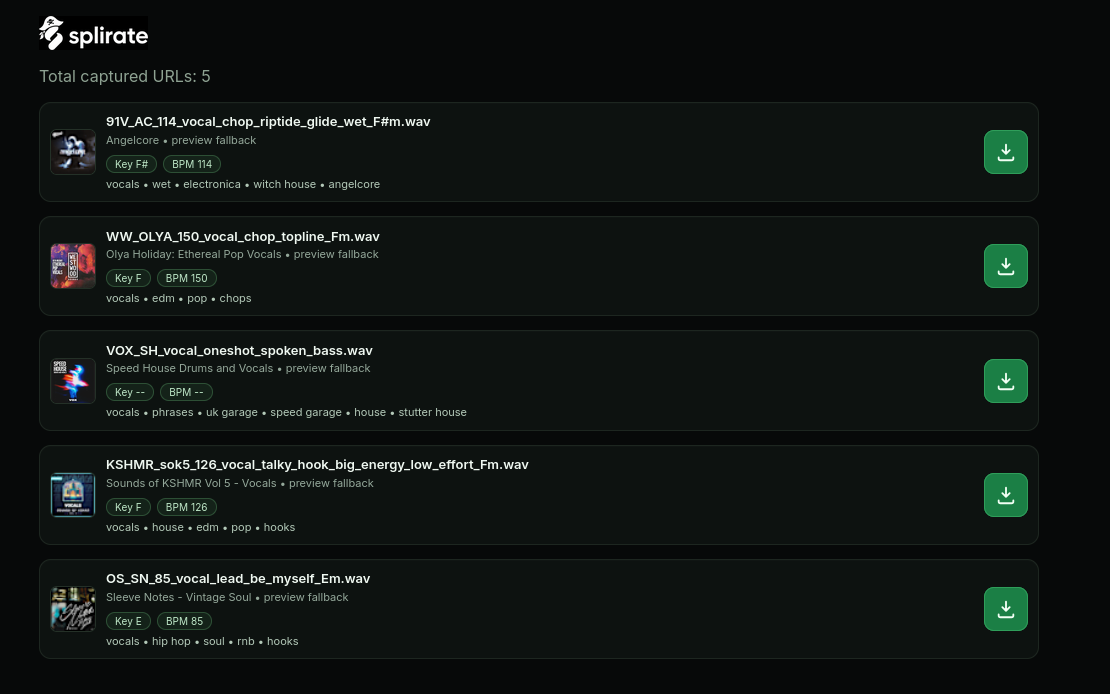
History view showing captured sample cards with pack, key/BPM, tags, and quick download actions.

Inline Splirate controls inside the Splice playbar for current-sample download and history access.
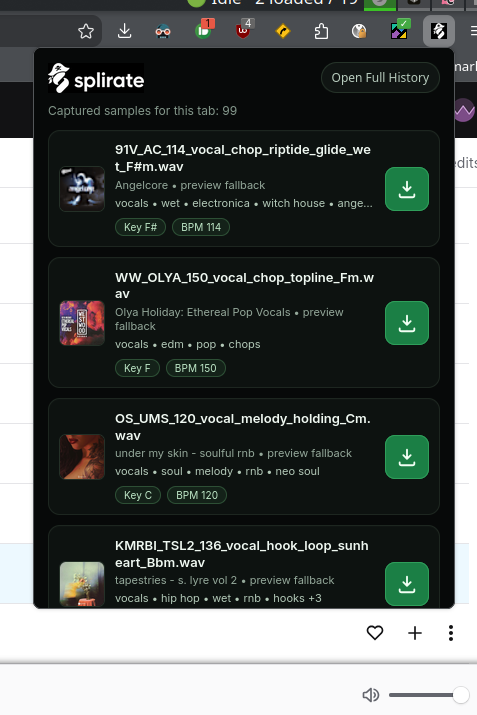
Popup view for active-tab captures with compact metadata and one-click download icon.
## Load in Firefox (Temporary Add-on)
1. Open `about:debugging#/runtime/this-firefox`
2. Click **Load Temporary Add-on...**
3. Select this extension's `manifest.json`
4. Visit any URL under `https://splice.com/sounds` (for example `https://splice.com/sounds/packs/`)
## Build Firefox Package
1. From the project root, run either:
- `npm run build`
- `npm run build:xpi`
- `bash scripts/build-firefox.sh`
2. The packaged extension is created in:
- `dist/splirate-firefox-v.xpi`
## Install Locally in Firefox
1. Build the XPI: `npm run build:xpi`
2. Open Firefox and go to `about:debugging#/runtime/this-firefox`
3. Click **Load Temporary Add-on...**
4. Select `dist/splirate-firefox-v.xpi`
Note: on standard Firefox, unsigned extensions are temporary via `about:debugging` and are removed on restart.
## Signed Build Download
- Direct signed XPI: [splirate-1.0.1.xpi](https://git.zetaphor.com/zetaphor/splirate/releases/download/signed/splirate-1.0.1.xpi)
- Releases page: [Splirate Releases](https://git.zetaphor.com/zetaphor/splirate/releases)
## Persistent Install (Private / Unlisted Signing)
Use Mozilla's unlisted signing to get a persistent signed XPI without public listing.
1. Create AMO API credentials:
- [Firefox Add-on Developer Hub](https://addons.mozilla.org/developers/)
2. Export credentials in your shell:
- `export AMO_JWT_ISSUER="your-issuer"`
- `export AMO_JWT_SECRET="your-secret"`
3. Run signing:
- `npm run sign`
4. Install the signed `.xpi` from:
- `dist/signed/`
- Firefox: `about:addons` → gear icon → **Install Add-on From File...**